
By:Mel M.

For most students, taking an assessment is like going to the dentist: scary and painful. However, there are many online GAMES that assess your students’ skills and knowledge with the opposite effect; students will actually beg you for the chance to compete against each other to show what they know and can do! The explosion of virtual learning has prompted me to discover myriad platforms to do just that – pit students against each other in a festive, mano a mano competition of wits.
Blooklet
Currently, my students’ favorite game is Crypto Hack on an online platform called Blooket. It is FREE and students are NOT required to have an account to play it.
I was using the oldie but goodie Kahoot when one of my students recommended it. Boy was he right! I began including a Blooket assessment in every class itinerary. If students did not see a Blooket slide on my PowerPoint, the enthusiastic tenor of the session immediately faded into disappointment.
Ultimately, because it has such a successful track record, it is my professional responsibility to share this magical assessment tool!
Sign up today!
The platform is pretty simple, yet affords many different ways to evaluate students’ learning.
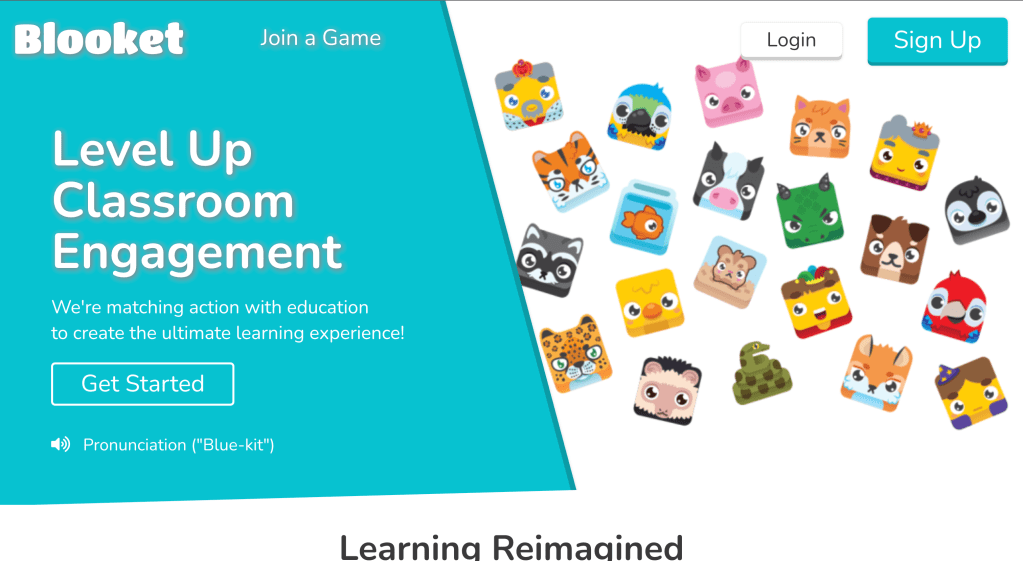
- Go to https://www.blooket.com/.
- Here, press “Sign Up” to begin your journey. Similar to other online assessments, you create Blooket Sets which are like mini multiple choice quizzes. I usually limit my quiz duration to 10-15 questions. You may also adjust the time span of the quiz to 7 minutes or fewer.
- Once you create your set, you choose a game (there are many including Classic Game, Racing Mode, Battle Royale, Gold Quest, Crypto Hack, Santa’s Workshop, Fishing Frenzy, Candy Quest, and Blook Rush. The Live Game Mode includes different games.
- No time to create your own sets? Not to worry! You may choose premade Blooket Sets by clicking on the “Discover” button. Anyway, back to Crypto and why my students love it.
The most exciting part of Crypto is hacking! Yes, you heard that correctly. While answering questions, students hack into other students’ Crypto stash by guessing their passwords. As the host, your screen will display a live record of what is happening during the game. Request that students keep their microphones and cameras on. This way, you will hear and see the students while they are hacking and/or getting hacked.
After the game, congratulate your students on their game play. Additionally, and most importantly, discuss the correct answers with your students. Be sure to clear up any misunderstandings.
There are other features on Blooket that supplement your online instruction as well. You may want to explore the “Assign for Homework” feature. No matter what you decide, “Live Game Mode” or “Assign for Homework,” Blooket encourages learning in a fun, interactive online platform. Give it a try!
P.S. For detailed explanations of how to play Blooket, I suggest this site: https://www.fractuslearning.com/how-to-blooket-play/








 Goat Notes
Leave a reply to Filling Gaps during Online Lessons – Goat Notes Cancel reply